Give Your Team and AI the Same Context
A shared context layer for AI-assisted development, connecting requirements, decisions and delivery.
Keep requirements, architecture decisions, API contracts, screens and data models connected. ADAM helps developers and AI coding assistants work from the same project reference, with checks that surface inconsistencies before handoff.
One project reference. Across people, tools and development sessions.
One shared project reference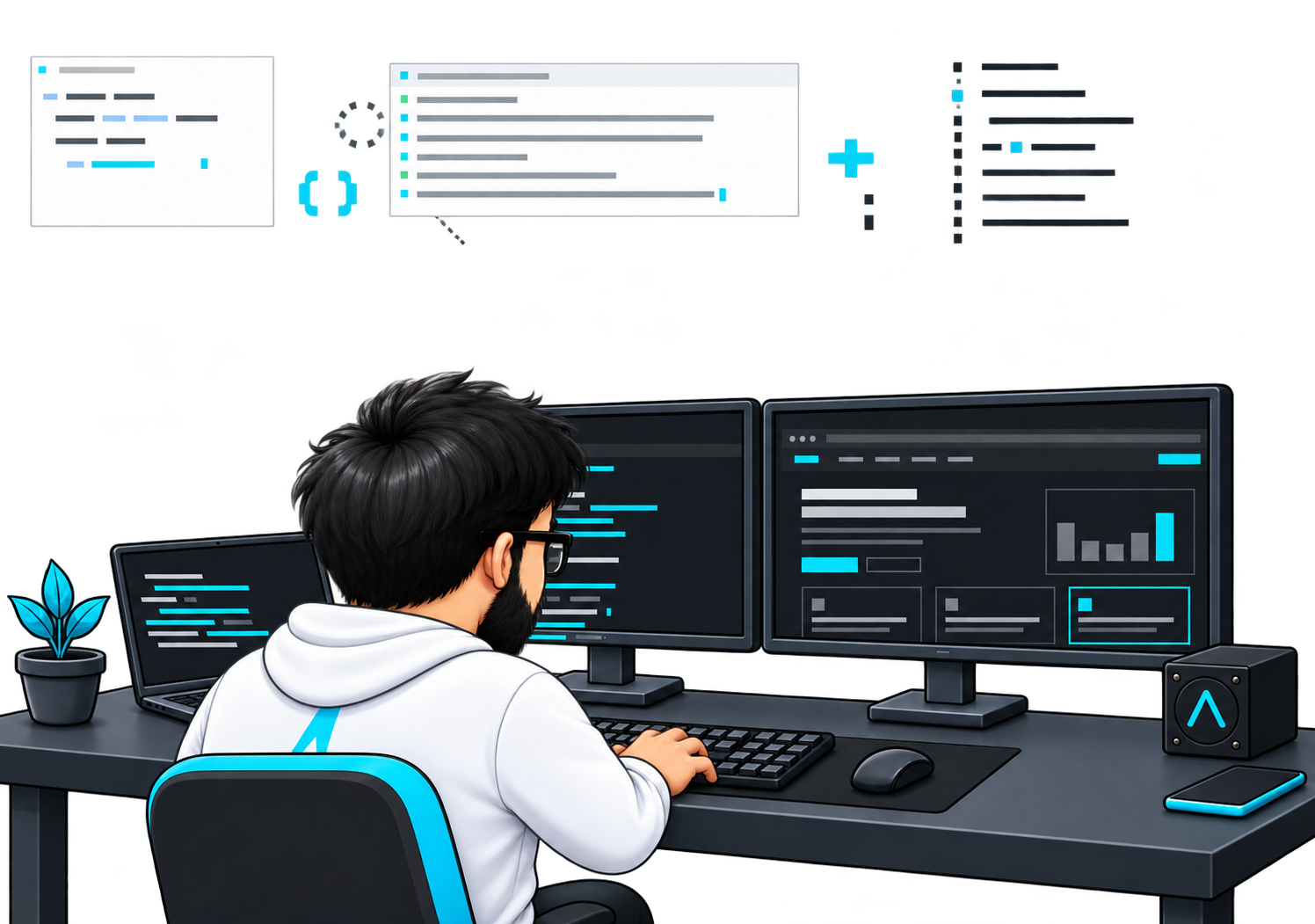
Your Team Shares a Codebase. Does It Share the Context?
AI can help write the next piece of code. But it still needs to know what the team agreed, how the system fits together and which version of a decision to follow.
Requirements Get Repeated
Developers spend time explaining the same project background across new sessions, tools and team members.
Decisions Stay in Conversations
A workshop settles an important question, but the reason behind the decision never reaches the development package.
Connected Layers Drift Apart
A screen expects an operation that is missing from the contract. A flow refers to an old screen. The mismatch appears when the pieces come together.
Handoffs Lose the Reasoning
The next developer receives documents and tickets, but still has to reconstruct how the requirements, decisions and technical details connect.
DAM brings that context into a shared, connected project reference.
Every Layer, Connected to the Same Reference
ADAM indexes and cross-references the artefacts in your development package. It connects what the team decided with the screens, contracts, states and data structures that follow.
PROJECT ARTEFACTS
- Requirements & decisions
What the team agreed
- Screens & flows
How the experience connects
- API contracts
Defined operations and interfaces
- Data models
Tables, fields and relationships
- States & events
How the system behaves
CONNECTED INDEX
One project reference
Index · Cross-reference · Check
Context ready to retrieveDEVELOPMENT WORK
Developers
+ AI assistants
Use the same indexed context
Find the Relevant Context
Trace a screen to its operations, a contract to its data model or a technical decision to its recorded reasoning.
Check the Connections
Surface missing references and defined inconsistencies between related artefacts.
Carry the Context Forward
Make the same indexed information available to reviewers, developers and connected AI coding assistants.
Keep the Details Connected as Development Moves Forward
Select a capability to see how ADAM supports a shared view of the project.
Explore requirements, decisions, contracts, screens and data structures through one connected index.
One referenceThe decision behind the screen.
Follow the relationships instead of rebuilding the background.
Check defined relationships across the package, including missing operations, unresolved data references and flows that point to removed screens.
Defined validationDoes this screen call an existing operation?
Surface a broken reference for the team to resolve.
Keep architecture decision records, open questions and review verdicts connected to the work they explain.
Reasoning that staysWhat was chosen, and why?
Return to the recorded decision and the alternatives considered.
Regenerate supported diagrams, schema references, workbooks and handoff outputs from the underlying project definitions in dependency order.
Source to outputUpdate the definitions. Rebuild the references.
Run the derivation chain when the supported source artefacts change.
Move between frontend, contracts, domain and backend views to understand how an interface relates to the system behind it.
Across the layersFrom a screen to the data behind it.
Inspect related operations, states and data definitions.
Use the MCP bridge to give connected assistants access to relevant screens, flows, tables, decisions and source files from the same index.
Assistant-readable contextThe same project reference, in the coding session.
Supported queries retrieve relevant context from the shared index.
Link work packages to project artefacts and prepare supported OpenProject updates for developer review before they are applied.
Developer approvalInspect the proposed update before it is applied.
Supported status, progress and comment updates follow a review step.
Carry the Reasoning Into the Build
Keep the decisions connected to the work they shape.
Gather Requirements
Bring the supplied requirements and source documents into a structured project record.
Record Workshop Decisions
Capture agreed decisions, actions and confirmations so they can be reflected in the package.
Define the Approach
Document the chosen architecture, the options considered and the constraints through architecture decision records.
Resolve Open Questions
Track unanswered questions and conflicts until the team agrees how to address them.
Update the Project Artefacts
Reflect agreed changes in contracts, screens, states and flows. Run the configured checks and rebuild supported downstream outputs.
Review and Sign Off
Keep the review verdict attached to the relevant artefact, with a record of what was accepted.
Hand Off to Engineering
Give developers the connected package and let supported AI assistants retrieve the context needed for the work.
A Screen Is Only One Part of the Story
Explore an illustrative task-management example. Move between four layers to see the information a developer needs before changing a screen.
The screen the user sees.
Which screen is changing, what can the user do and which flow includes it?
The operations the screen needs.
Which operations does the screen call, and what information do they accept or return?
The behaviour behind the feature.
Which states, transitions and events describe the behaviour?
The data behind the screen.
Which tables and migrations support the data behind the feature?
Connect the Package, the Assistant and the Work
Use a shared reference across project definitions, AI-assisted sessions and reviewed work updates.
Repository-Based Project Package
Read the project definitions and supporting documents from the repository that holds the delivery package.
AI Assistant Access Through MCP
Expose supported queries over the shared index so the assistant can retrieve relevant context while helping a developer.
Development and Review Outputs
Produce supported references, diagrams, workbooks and handoff material from the connected definitions.
OpenProject Work Tracking
Link work to artefacts and review proposed status, progress or comment updates before they reach OpenProject.
The project package stays read-only through the MCP bridge. Supported work updates follow the developer approval step.
A Shared Reference for the People Delivering the Software
Keep Context Across Roles
Keep project context available across roles and AI-assisted sessions, even when a few people handle the whole delivery.
Give New Contributors the Background
Give new contributors access to recorded decisions and connected definitions instead of rebuilding the background through repeated explanations.
Understand the Dependencies
Help frontend, backend, design and delivery contributors examine the same contracts and understand the dependencies between their work.
Keep Changes Reviewable and Decisions Traceable
A connected package works best when the team can inspect the reasoning, review the output and approve the next step.
Context checks support engineering review, testing and release decisions.
Read-Only Package Access
Let connected assistants inspect the package through the documented MCP interface.
Checks Against Defined Relationships
Use validators to surface the inconsistencies they cover across connected project artefacts.
Recorded Decisions and Sign-Offs
Keep reasoning and review verdicts attached to the relevant work.
Approval Before Work Updates
Review proposed OpenProject changes before applying supported updates.
About ADAM
What is ADAM?
ADAM is a context layer for AI-assisted development. It connects requirements, architecture decisions, contracts, screens, states and data models into a project reference that developers and supported AI assistants can use.
Who is ADAM for?
ADAM is for software development teams using AI-assisted coding. Its focus is the delivery workflow, so it can support projects across industries.
How does ADAM help an AI coding assistant?
Its MCP bridge exposes supported queries over the same project index used by the viewer. The assistant can retrieve relevant details about screens, contracts, tables, decisions and their connections.
What happens when requirements or contracts change?
The team updates the relevant project artefacts, runs the configured checks and regenerates supported outputs in dependency order. Review records preserve the decisions behind the change.
Does ADAM replace code reviews and testing?
No. Its checks address defined relationships and inconsistencies within the development package. Developers still review implementation, test behaviour and decide whether a change is ready to release.
How can we explore ADAM?
Book a demo around your development workflow and a suitable sample of your project package. Workspace access is by invitation.
Give Your Next Build a Shared Starting Point
See how ADAM can connect the requirements, decisions and technical details your developers and AI assistants need to work together.
Bring one development workflow. Workspace access is by invitation.